Reviewing Marketplace Scores and KPIs
Marketplace Scores help you assess your strengths and areas that need improvement. You can evaluate your work by the following scores:
- The Overall Score displays a weighted average of all four individual scores.
- The Quality score shows how accurately you perform the job.
- The Price score defines how cost-effective your work is for clients.
- The Speed score shows how fast you or your technicians complete work orders.
- The Engagement score shows how actively you use ServiceChannel’s features to improve your work.
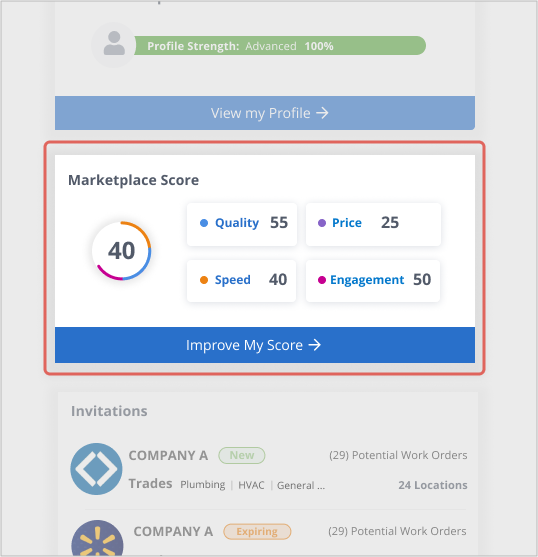
The higher your scores are, the more likely new clients will discover and reach out to you when they are searching for providers in ServiceChannel.
Score States
You may see 0 or N/A in the place of the score number.
- When a score is 0, your actual performance number for a score is 0, and you could raise it by increasing KPI(s).
- A score of N/A is displayed when there is insufficient data on your performance. You may see the Overall Score as “N/A” meaning it is not available because there is not enough data for one or several of the individual scores.
A minimum of ten repair work orders during three years is needed to calculate a score.

Overall Score
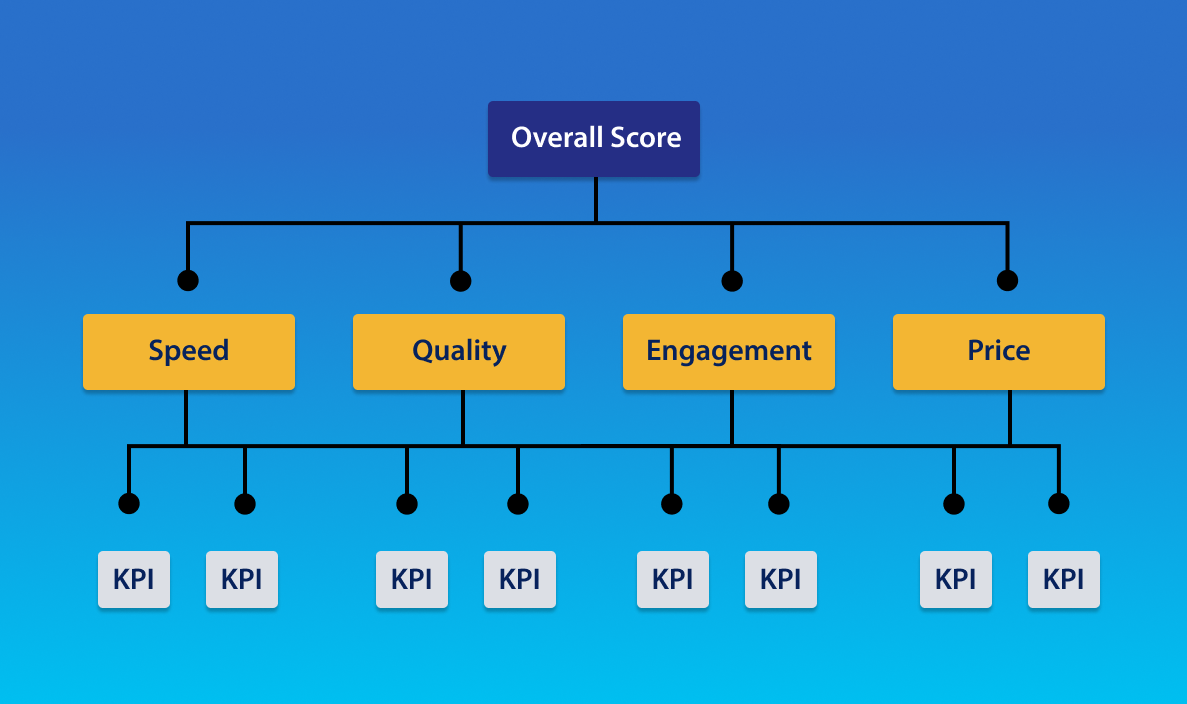
The Overall Score is a weighted average of Quality, Pricing, Speed, and Engagement scores.
Each score consists of key performance indicators that form the score number.
Speed Score
The Speed score shows how fast you or your technicians complete work orders.
- A score of 67 or higher indicates the fast speed
- Scores between 45-66 show the average speed
- Scores of 0-44 indicate the need for speed improvement
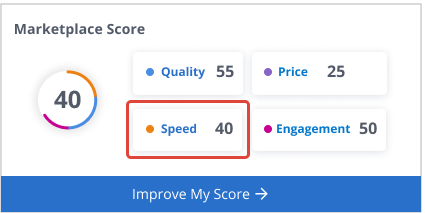
The Speed score consists of the following metrics / KPIs:
- Same Day Completion
- On-Time Arrival (Original Date)
- On-Time Arrival (Scheduled Date)
- Timely Dispatch Confirmation
- Proposal Submission Time
- Provider Completion Time Without Proposals
- Provider Completion Time with Proposals
- Time On-Site Time to Site
Many of the speed scores influence the severity of an issue. For example, missing a scheduled arrival time by 15 minutes has less impact on your score than missing by two hours.
Quality Score
The Quality score shows how accurately you perform the work.
- A score of 71 or higher indicates the high quality
- Scores of 63-70 show the average quality
- Scores of 0-62 indicate the need for quality improvement
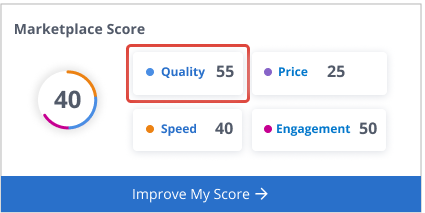
The Quality score includes the following metrics / KPIs:
- Check-In: Percentage of work orders where you checked in.
- One-Time Visit: Percentage of work orders where you finished the work in one visit.
- Recall Work Order: Percentage of how frequently you are asked to return to fix the original problem.
- Decline Work Order Percentage: Percentage of declined work orders.
Engagement Score
The Engagement score shows how actively you use ServiceChannel’s features to improve your work.
- A score of 57 or higher indicates the high engagement
- Scores between 33-56 show the average engagement
- Scores between 0-32 indicate the need for engagement improvement
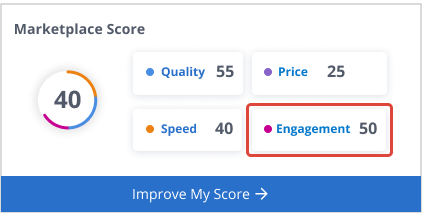
The Engagement score includes the following metrics / KPIs:
- Active Technician: Your score based on whether your technicians log in and check in with their technician account.
- Added Technician: Your score based on whether you add your technicians to your account.
- Invitations: Your score by invitation response time.
- Line-Item Invoice (Labor)
- Line-Item Invoice (Material)
- Resolution Code
- Technician Profile
- Completion Average
- Compliance Completion
- New Provider Profile Completion
Price Score
The Price score defines how cost-effective your work is for clients.
- A score of 66 or higher shows a cost-effective price
- Scores between 33-66 display the average cost providers
- Scores between 0-33 indicate costly providers
The higher your Price score is, the more cost-effective you are.
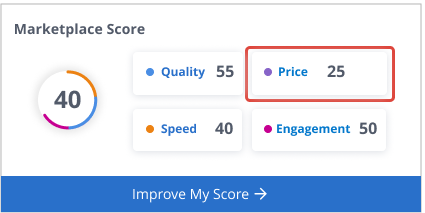
The Price score includes the following metrics / KPIs:
- Median Invoice Amount without Proposals
- Median Invoice Amount with Proposals
- Invoices with less than 2hr labor
- Percent of Invoices with more than 5hr labor
- Invoice to NTE Comparison