/
Homepage for US Providers
Homepage for US Providers
- Chellie Esters
- Anastasia Simonovich
- Natalia Larina (Unlicensed)
Owned by Chellie Esters

Go to outside US Companies Info
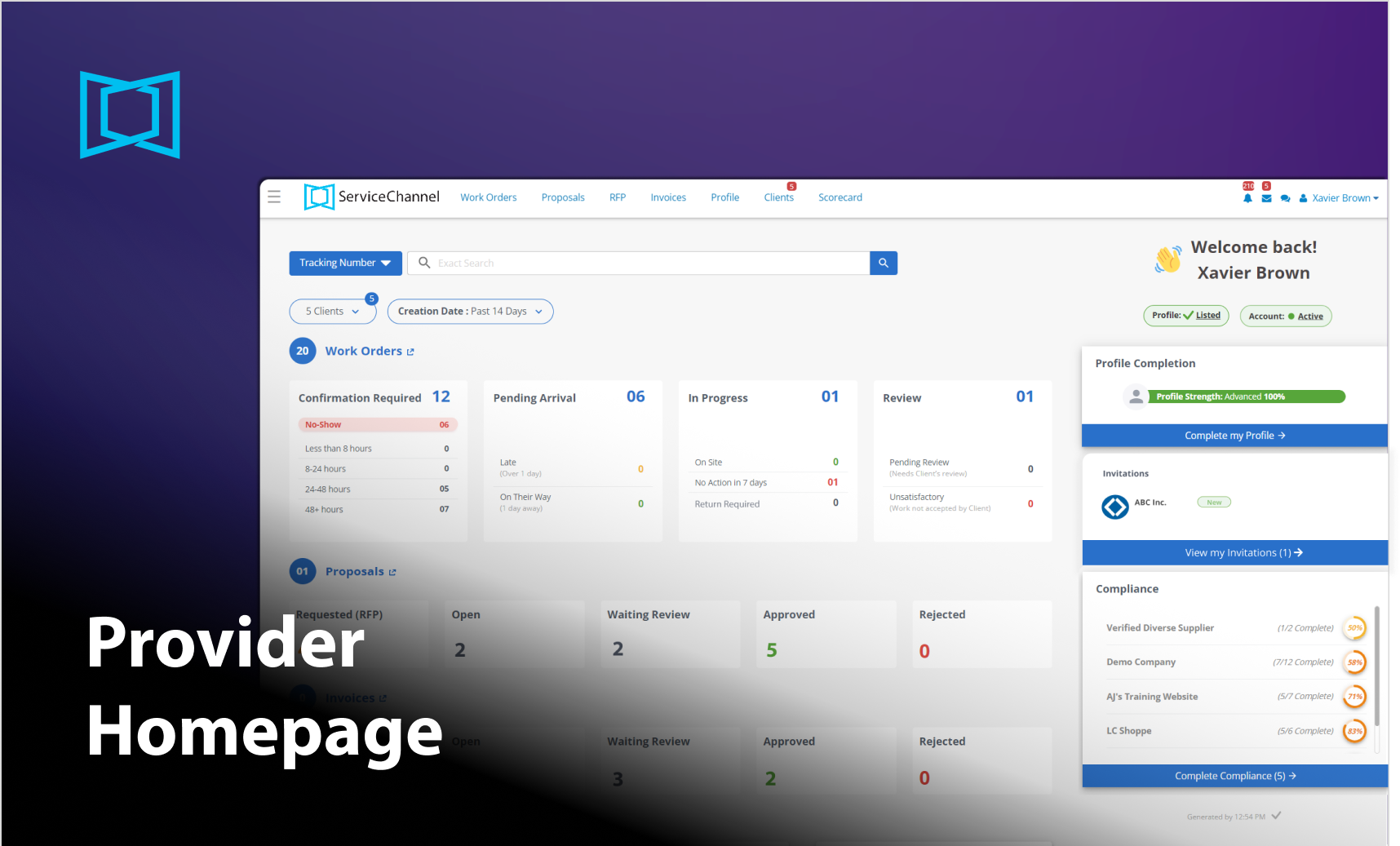
Once you log in to Provider Automation, you navigate to the Homepage, where you can:
- Search for work orders by criteria
- View metrics for work orders, proposals, and invoices and filter them
- Get a quick overview of your profile
- View a summary of new invitations and clients’ compliance percentage
- Get recommendations from ServiceChannel on enhancing your work
- Get notifications from ServiceChannel
- View client messages that need a response
You can get back to the Homepage from any page of Provider Automation by clicking the ServiceChannel logo.
⦿ How to Access the Homepage
- Click on the Menu icon
 in the upper-left corner, and select Home. Alternatively, click on the ServiceChannel logo in the upper-left corner.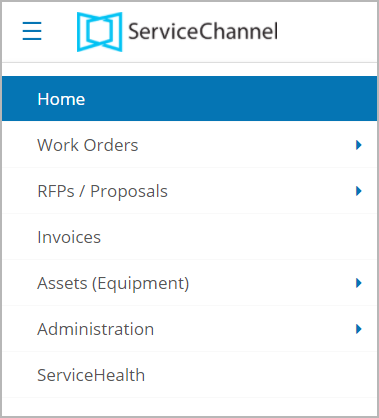
Read the next article in this series: Reviewing Provider Homepage.

, multiple selections available,
Related content
Reviewing Provider Homepage
Reviewing Provider Homepage
Read with this
Homepage for Providers outside the US
Homepage for Providers outside the US
More like this
Provider Automation
Provider Automation
Read with this
Accessing and Navigating Provider Automation
Accessing and Navigating Provider Automation
More like this
Provider Homepage
Provider Homepage
Read with this
Start for the US & Canadian Companies in Provider Automation
Start for the US & Canadian Companies in Provider Automation
More like this